Being a notary public, the tools you use can significantly impact your efficiency and security. In 2024, the industry was transformed with innovations like blockchain technology and AI-driven automation.
The rise of mobile services means you can manage your records from anywhere, and the global expansion of online notarization services caters to the increasing demand for digital solutions. But how do these features stack up across different software solutions, and what should you consider when choosing the right one for your needs?
Let’s explore how integrating such tools can elevate your notarial practice.

In 2024, notary public record-keeping software must include essential features such as electronic journaling, audio/video recording, and secure storage. These tools enable seamless tracking of clients and notarization sessions, organizing signing service data and managing vendor numbers.
Furthermore, proper notary public record-keeping software features to inspect/compare are as follows:
When discussing security measures, your notary public record-keeping software must use cutting-edge data encryption standards to protect your information during transmission and storage.
Secure storage solutions guarantee that sensitive records are safe from unauthorized access.
Moreover, robust access control protocols and user authentication methods keep your data restricted to authorized individuals.
To ensure your sensitive information remains protected, notary public record-keeping software should employ robust data encryption standards like SSL and AES. These encryption protocols ensure data privacy by securing the data transmission between users and the software's servers and encrypting stored information.
Safe storage solutions in notary public record-keeping software guarantee that your confidential client information stays protected through robust security measures. These solutions use encryption, making data illegible to unauthorized users. This is a crucial component in preventing data breaches and keeping sensitive information secure from cyber threats.
Protected servers safeguard data. Regular backups guarantee data can be restored quickly in case of any issues, minimizing downtime. Besides, many providers offer HIPAA-compliant storage for handling particularly sensitive documents, further enhancing data protection.
Multi-factor authentication adds an extra layer of security, verifying user identities before granting access. This, combined with advanced encryption techniques, greatly reduces the risk of unauthorized access.
Access control protocols in notary public record-keeping software guarantee that only authorized users can access, edit, or delete sensitive information, safeguarding the confidentiality and integrity of your records. These security measures are vital in ensuring access control effectiveness and protecting your data from unauthorized access and potential breaches.
By implementing user permissions, you can manage who has the ability to interact with your records at various levels. To understand the different components of access control protocols, refer to the table below:
| Security Measure | Description |
| Password Protection | Requires users to enter a password to access the software. |
| Multi-Factor Authentication | Adds an additional layer of security by requiring multiple forms of verification. |
| Role-Based Access Controls | Assigns permissions based on the user's role within the organization. |
| Audit Trails | Tracks all activities, providing a log of who accessed or modified records. |
| User Permissions | Defines specific access rights for different users. |
These measures collectively enhance access control effectiveness and protect your sensitive data, keeping your notary public records secure and reliable.
When choosing notary public record-keeping software, check for platform compatibility to guarantee it works seamlessly with tools like Microsoft Word, Excel, and cloud storage services.
Look for software that offers robust data sync features. These features allow you to maintain up-to-date records across all integrated platforms. This guarantees smooth operation and saves you time by automating many administrative tasks.
Maintaining your notary public record-keeping software's smooth integration with existing platforms like Microsoft Word, Excel, and cloud storage services is vital for preserving efficiency. It's essential to select software that not only offers cross-platform functionality but also provides regular software updates to keep your systems running smoothly. Seamless integration with e-signature platforms, document management systems, and CRM tools can significantly streamline your workflow.
Furthermore, seek software that supports API integration. This capability enables custom development and automation, guaranteeing your record-keeping processes are as efficient as possible. Compatibility with mobile devices and operating systems like iOS and Android enhances accessibility, enabling you to manage records on the go. Moreover, integration with accounting software can assist you in streamlining invoicing, billing, and financial management tasks.
Do not underestimate the significance of robust technical support and thorough user training. These features ensure you can address issues promptly and make the most of your investment.
| Feature | Benefit |
| Cross-platform functionality | Enhanced accessibility and convenience |
| Software updates | Improved performance and security |
| Technical support | Prompt issue resolution |
| User training | Optimized software utilization |
| API integration | Custom development and automation |
Choose wisely to guarantee your software works seamlessly across all your essential platforms.
When evaluating pricing options, notary public record-keeping software can range from free versions to monthly subscription fees. These plans often vary based on the features offered, the number of users, or the storage capacity you require.
When conducting a pricing comparison, consider if the software offers annual plans, which often come with discounts compared to monthly billing. This could be a smart move for long-term budgeting considerations.
Some providers even offer a free trial period or special discounts for new users, allowing you to test the software before committing financially.
Here’s a detailed table comparing the prices and possibilities offered by the prominent notary record-keeping software:
| Software | Price Tiers | Free Option/Trial | Yearly Plan/Discount | Pricing Plans |
|---|---|---|---|---|
| NotaryAct | Free, Basic, Premium | Free plan available, 30-day trial | Annual plans available with a discount | NotaryAct Pricing |
| Notary Gadget | Free, Basic, Premium | Free plan available, 14-day trial | Annual plans available with a discount | Notary Gadget Pricing |
| SignNow | Free, Business, Enterprise | Free plan available, 7-day trial | Annual plans available with a discount | SignNow Pricing |
| DocVerify | Basic, Premium, Enterprise | 14-day trial | Annual plans available with a discount | DocVerify Pricing |
| NotaryAssist | Free, Basic, Pro | Free plan available, 30-day trial | Annual plans available with a discount | NotaryAssist Pricing |
| HelloSign | Free, Pro, Business | Free plan available, 30-day trial | Annual plans available with a discount | HelloSign Pricing |
| Adobe Sign | Individual, Team, Business | Free plan available, 30-day trial | Annual plans available with a discount | Adobe Sign Pricing |
| OneNotary | Free, Pay-As-You-Go, Pro | Free plan available, 14-day trial | Annual plans available with a discount | OneNotary Pricing |
| Notarize | Pay-As-You-Go, Monthly, Annual | Free plan available, 14-day trial | Annual plans available with a discount | Notarize Pricing |
Ultimately, the right pricing plan hinges on your specific needs and budget. By carefully examining each option, you can select a plan that aligns perfectly with your professional requirements and financial constraints.
Reading user reviews can provide valuable insights into the performance and usability of notary public record-keeping software. When evaluating these tools, user satisfaction and software functionality are key aspects to consider.
Positive reviews often highlight how intuitive and easy the software is to use, which can be essential if you're not particularly tech-savvy. Users frequently praise robust customer support and the availability of features that meet their specific needs, such as secure storage and quick access to records.
On the flip side, negative reviews can be just as informative. Users might point out issues with functionality, like bugs or crashes, which could be deal-breakers for you. Complaints about poor customer service or lacking features also emerge in these reviews, helping you avoid potential frustrations.
When choosing the best notary public record-keeping software, several key factors come into play: security measures, pricing, integration capabilities, platform compatibility, data sync features, and user reviews. Below is a detailed comparison of the top software solutions, each graded based on these criteria to help you make an informed decision.
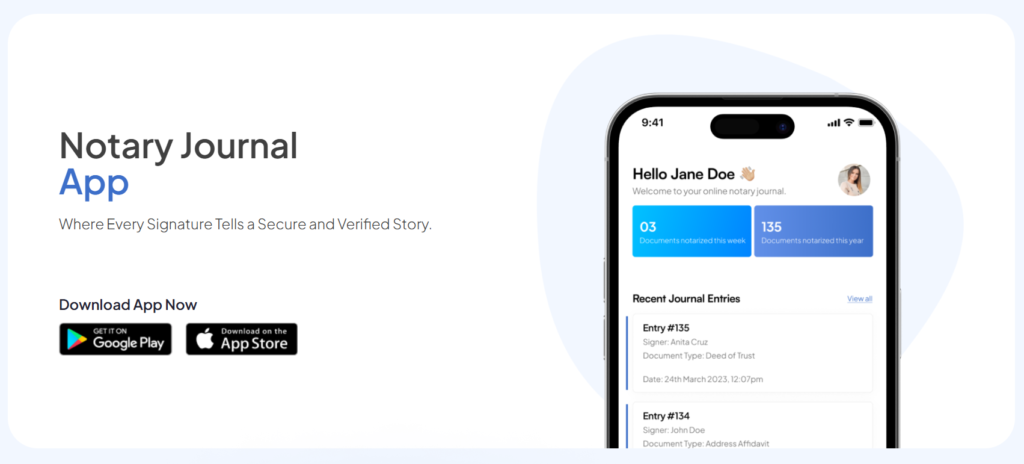
NotaryJournalApp offers top-tier encryption and secure storage solutions, ensuring your data is protected at all times. It provides Free, Basic, and Premium plans, with a free plan available and a 30-day trial. The app integrates seamlessly with various cloud storage services and popular business applications.
Compatible with Windows, macOS, iOS, and Android, it allows real-time data syncing across multiple devices, ensuring your records are always up-to-date. Users consistently praise NotaryJournalApp for its user-friendly interface, comprehensive features, and excellent customer support, making it a top choice for notary professionals.
Total Score: 96/100. NotaryJournalApp excels in security, integration, and user satisfaction.

NotaryAct uses advanced encryption standards to secure data and offers secure storage solutions to protect your records. It provides Free, Basic, and Premium plans, with a free plan available and a 30-day trial. The software integrates with various cloud storage services for easy data management and is compatible with Windows, macOS, iOS, and Android.
Real-time data syncing across devices ensures your records are always up-to-date. User reviews generally praise NotaryAct for its ease of use and reliable customer support, making it a solid choice for those seeking secure and user-friendly notary record-keeping software with good integration options.
Total Score: 90/100. NotaryAct scores high due to its strong security and user-friendly interface.

Notary Gadget employs robust encryption and secure storage protocols. It offers Free, Basic, and Premium plans, with a free plan available and a 14-day trial. The software integrates seamlessly with popular accounting software like QuickBooks and is available on Windows and macOS.
Notary Gadget’s data sync features ensure all records are up-to-date. Highly rated for its intuitive interface and helpful customer service, Notary Gadget is ideal for notaries who need comprehensive record-keeping with strong accounting integration.
Total Score: 89/100. Notary Gadget excels in integration capabilities and user satisfaction.
SignNow utilizes SSL and AES encryption for data protection. It offers Free, Business, and Enterprise plans, with a free plan available and a 7-day trial. SignNow integrates with a wide range of business applications, including Google Drive and Salesforce, and supports Windows, macOS, iOS, and Android.
Real-time data syncing across multiple devices is a significant advantage. Users appreciate SignNow’s robust feature set and flexibility, making it perfect for businesses that require extensive integration capabilities and strong security features.
Total Score: 94/100. SignNow stands out for its integration capabilities and comprehensive features.
DocVerify features strong encryption and secure document storage. It offers Basic, Premium, and Enterprise plans with a 14-day trial. The software integrates with numerous business and document management systems and is compatible with all major operating systems.
DocVerify provides seamless data synchronization, and user feedback is positive regarding its reliability and security measures. DocVerify is a great option for notaries needing high security and comprehensive integration.
Total Score: 92/100. DocVerify is highly rated for its security and integration options.
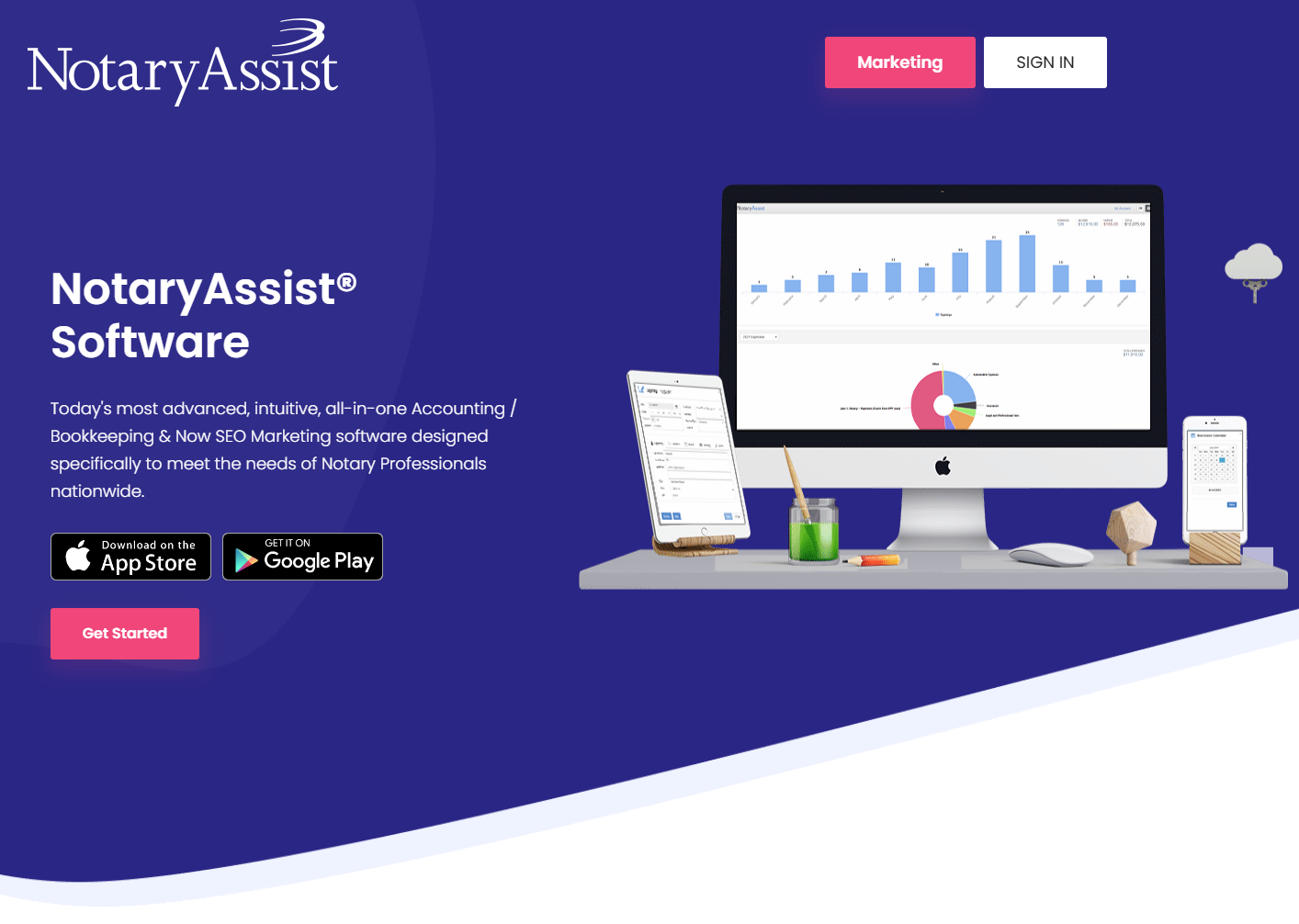
NotaryAssist uses high-level encryption and secure cloud storage. It offers Free, Basic, and Pro plans, with a free plan available and a 30-day trial. The software integrates well with scheduling and billing software and is available on Windows and macOS.
NotaryAssist’s effective data synchronization capabilities and user-friendly design, combined with effective customer support, make it suitable for notaries looking for an all-in-one solution with scheduling and billing features.
Total Score: 88/100. NotaryAssist is valued for its scheduling and billing integration.

PandaDoc uses enterprise-grade security measures, including encryption and secure storage. It offers Free, Essentials, and Business plans, with a free plan available and a 14-day trial. PandaDoc integrates excellently with CRMs and other business tools, and is compatible with Windows, macOS, iOS, and Android.
Real-time data sync across devices ensures efficiency. Highly praised for its versatility and user-friendly interface, PandaDoc is a versatile solution for businesses needing strong integration and security.
Total Score: 94/100. PandaDoc is praised for its versatility and integration with business tools.
DocuSign employs strong encryption and secure document storage. It offers Personal, Standard, and Business plans, with a free plan available and a 30-day trial. DocuSign integrates with a wide array of business applications and supports all major platforms.
Seamless synchronization across devices ensures efficiency. Users appreciate its ease of use and comprehensive features, making DocuSign an industry leader suitable for businesses requiring robust features and security.
Total Score: 94/100. DocuSign excels with comprehensive features and strong integration.
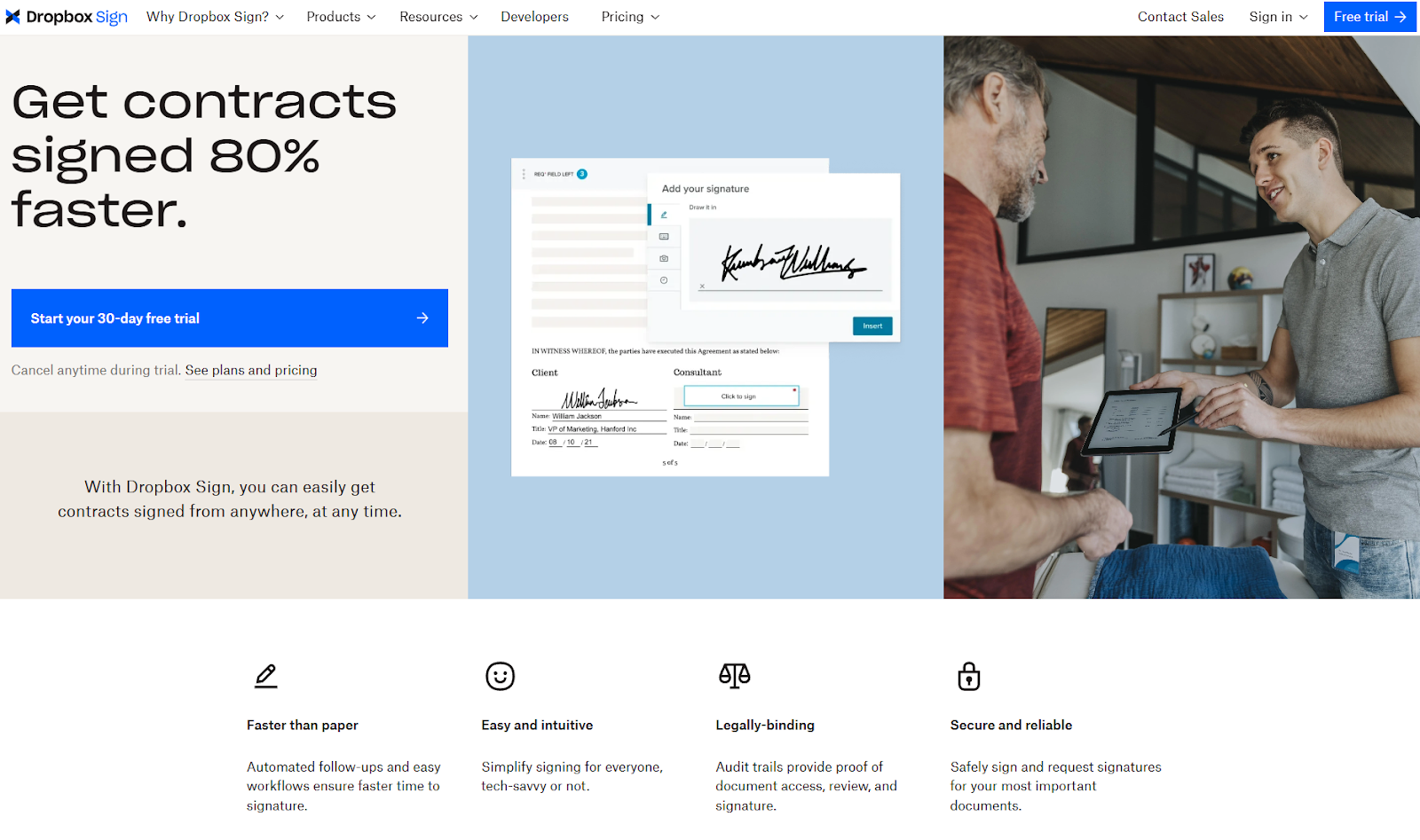
HelloSign uses advanced encryption and secure storage solutions. It offers Free, Pro, and Business plans, with a free plan available and a 30-day trial. HelloSign integrates with Google Workspace and other business tools and is available on Windows, macOS, iOS, and Android.
Efficient data synchronization is a notable feature. Positive feedback for its simplicity and effectiveness makes HelloSign ideal for small to medium-sized businesses needing easy-to-use and secure notary software.
Total Score: 91/100. HelloSign is appreciated for its simplicity and effectiveness.
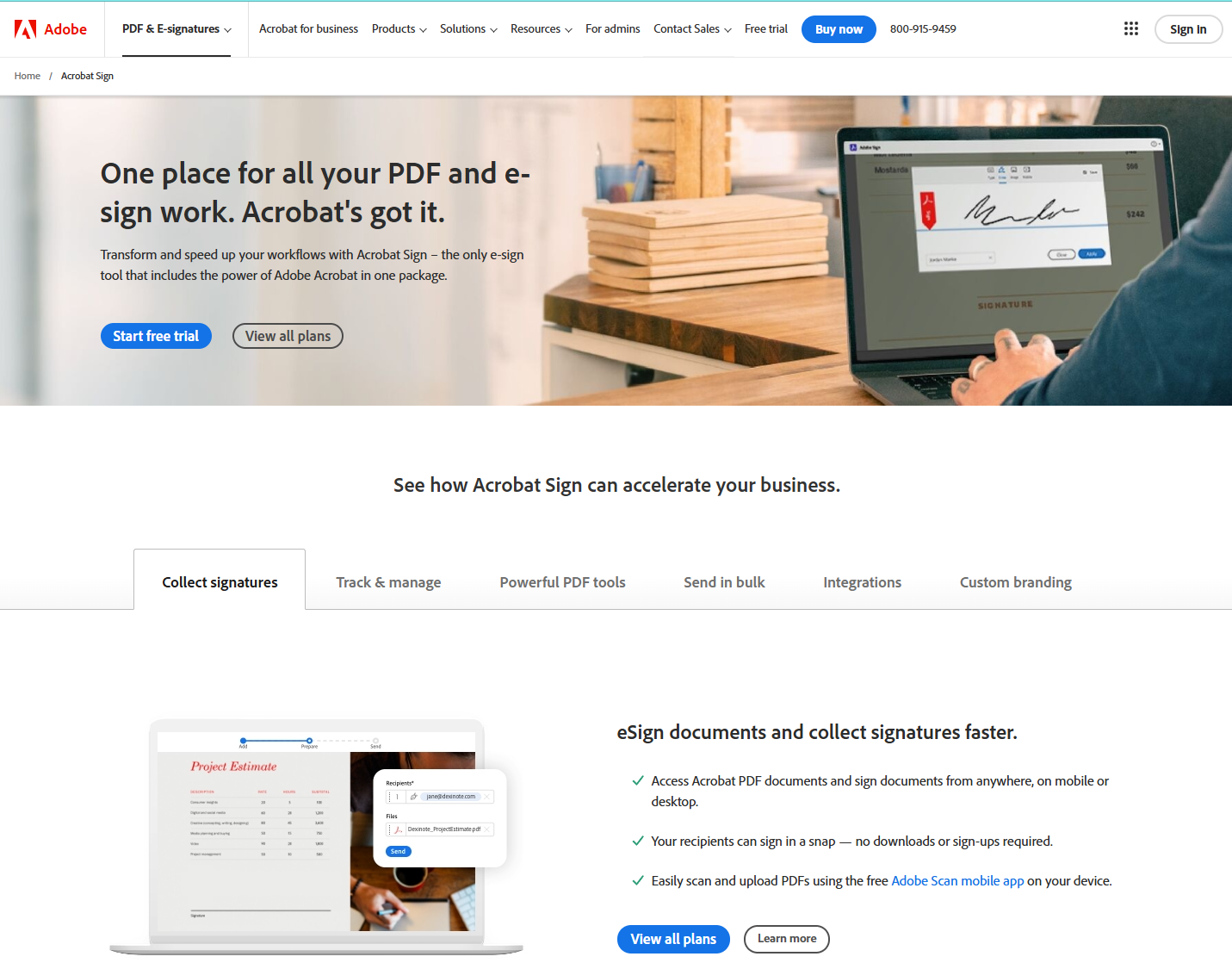
Adobe Sign employs top-tier encryption and secure storage. It offers Individual, Team, and Business plans, with a free plan available and a 30-day trial. Adobe Sign integrates strongly with the Adobe ecosystem and other business applications, and is compatible with all major platforms.
Real-time synchronization capabilities enhance efficiency. Users love its integration with Adobe tools and its robust features, making Adobe Sign best for users heavily invested in the Adobe ecosystem seeking comprehensive features.
Total Score: 94/100. Adobe Sign is best for users in the Adobe ecosystem.

OneNotary uses strong encryption and secure document management. It offers Free, Pay-As-You-Go, and Pro plans, with a free plan available and a 14-day trial. The software integrates with various document management systems and supports all major operating systems.
Seamless data synchronization ensures all records are up-to-date. Users appreciate OneNotary’s affordability and ease of use, making it an excellent option for notaries seeking affordable and user-friendly software.
Total Score: 92/100. OneNotary is noted for its affordability and user-friendliness.

Notarize implements robust encryption and secure storage solutions. It offers Pay-As-You-Go, Monthly, and Annual plans, with a free plan available and a 14-day trial. Notarize integrates well with business applications and cloud storage and is available on Windows, macOS, iOS, and Android.
Real-time data sync across platforms ensures efficiency. Users praise Notarize’s convenience and comprehensive features, making it perfect for those looking for flexibility and robust features in their notary software.
Total Score: 94/100. Notarize excels in convenience and comprehensive features.
These software solutions provide a range of features to meet different needs, ensuring that notary professionals can find the right tool for efficient and secure record-keeping.
Notary software can streamline your daily administrative tasks by improving time management and organization. It boosts efficiency and productivity through automated scheduling, document management, and secure storage, allowing you to focus on more critical tasks.
Yes, there are mobile app versions available for notary record keeping. These apps guarantee data security and provide on-the-go access, allowing you to manage appointments, documents, and certificates efficiently from your smartphone or tablet.
Imagine a well-oiled machine: yes, the software supports multiple notaries. You'll get shared access and precise user permissions, making it a breeze to manage records and guarantee compliance for each notary in your organization.
You have various customer support options, including live chat and email support. Some providers also offer phone assistance, knowledge bases, and personalized training sessions or webinars to help you troubleshoot issues.
You'll love how the software handles updates. It guarantees seamless software maintenance and compliance monitoring. Data security is excellent, and system integration is smooth, keeping everything up-to-date with new legal requirements automatically.
In 2024, Notary Public Record Keeping Software is set to be a game-changer, boasting blockchain security and AI automation. You'll manage records on the go and enjoy seamless online notarizations.
Sure, it's not curing world hunger, but it's making your notary tasks a breeze. So, immerse yourself in the latest options, weigh the features, and laugh at the days of paper logs and manual checks.
The future of notary work is here—embrace it.
In 2024, Notary Public record-keeping software has revolutionized the industry with advanced features like blockchain security and AI-driven automation. These innovations streamline your notary tasks, allowing you to manage records efficiently and securely from anywhere.
Embrace the latest technology to enhance your notarial practice and move beyond outdated paper logs and manual processes. By integrating the best tools, such as the Notary Journal App, you can ensure your work is both reliable and compliant, making your notary services more effective and convenient.
Explore these options and elevate your notary practice to the next level.